Dashboard
Welcome back, John!-
Notifications 4 NewClear All
-







Settings
Theme Presets
3 Presets AvailableSelect your preferred admin interface theme layout and visual style.
Active
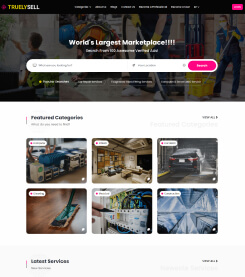
Theme 1 (Modern Default)
High-contrast layout with brand violet accents and spacious cards.
Select
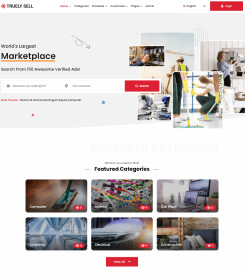
Theme 2 (Compact Analytics)
Tighter typography and padding tailored for dense data tables.
Select
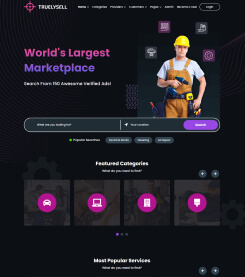
Theme 3 (Streamlined Flat)
Neutral slate borders with minimal shadow elevation.
Typography & Brand Colors
Font Family
Primary typography used across headers, body text, and tables.
Preview: Aa Bb Gg 123 • The quick brown fox jumps over the lazy dog
Accent Color
Theme primary accent for active links, buttons, and system highlights.
- Indigo (Default)
- Emerald
- Violet
- Amber
Navbar Style
Choose the top navigation layout and header component arrangement.
Navbar Style 1

Full-width header with global search bar, notification center, and user profile avatar.
Navbar Style 2

Compact header layout with grouped utility buttons and streamlined profile badge.
Theme modifications apply globally across all administration views.